A wishlist on its own only stores intent. A shopper saves a jacket in size M, and then nothing happens. Connect that save to the right tools and the same event can trigger a reminder, a restock alert, a loyalty nudge or a push notification.
This guide covers seven kinds of apps worth connecting to a Shopify wishlist: email, SMS, loyalty, reviews, mobile apps, marketing automation and Shopify's own layer. For each, we explain what it does with wishlist data and how it connects. We build Flits Wishlist, so we say plainly which connections are native to it and which are not. Judge every option, ours included, against what your store needs.
Key Takeaways
- A wishlist integration passes events such as "item saved" or "back in stock" to another tool, which acts on them.
- Start with the channel that already holds your customer list. For most Shopify stores that is email, and Klaviyo is the connector Flits Wishlist documents today.
- Check the connector before you choose the wishlist app. Plan limits, supported triggers and consent rules differ between apps.
- Anonymous saves cannot trigger email. A guest needs to give an address before any flow can reach them.
- Test the whole path, from a test save to the delivered message, before you go live.
What is a Shopify wishlist integration?
A wishlist integration is a connection between your wishlist app and another tool. The wishlist sends events, such as a product saved, removed or restocked, along with the customer and product details. The other tool uses those events to send a message, update a profile, build an audience or show data in a new place.
Integrations come in three forms:
- Native connectors, where the wishlist app and the other tool exchange data directly after a one-time setup, often with an API key.
- Platform connections, where both tools work through Shopify itself, such as customer accounts, checkout and the admin.
- Indirect routes, where data flows through a middle tool. For example, a wishlist event reaches Klaviyo, and a Klaviyo flow then acts on it.
The rest of this guide labels each integration with one of these forms, so you can see what works out of the box.
Why wishlist integrations matter
Shoppers who use a wishlist are telling you something specific. Bizrate Insights found that 30.41% of surveyed shoppers save items to buy later, 16.77% use a list to monitor prices and 7.49% use one to keep an eye on out-of-stock items. The same survey found that 49.04% never use a wishlist, so the people who do are a smaller, more deliberate group worth responding to.
What they want is mostly timing: a nudge when an item comes back, a reminder when they have not returned, a record of what they saved on every device. None of that happens without a connection to the tools that send messages and keep customer records. A wishlist without integrations is a bookmark. With them, it becomes a retention channel, and our guide on capturing customer intent with a wishlist explains why the signal is so strong.
How Flits Wishlist connects today
Before the list, here is the current picture for Flits Wishlist, based on its Shopify App Store listing and the Flits pricing and product pages as of October 2026.
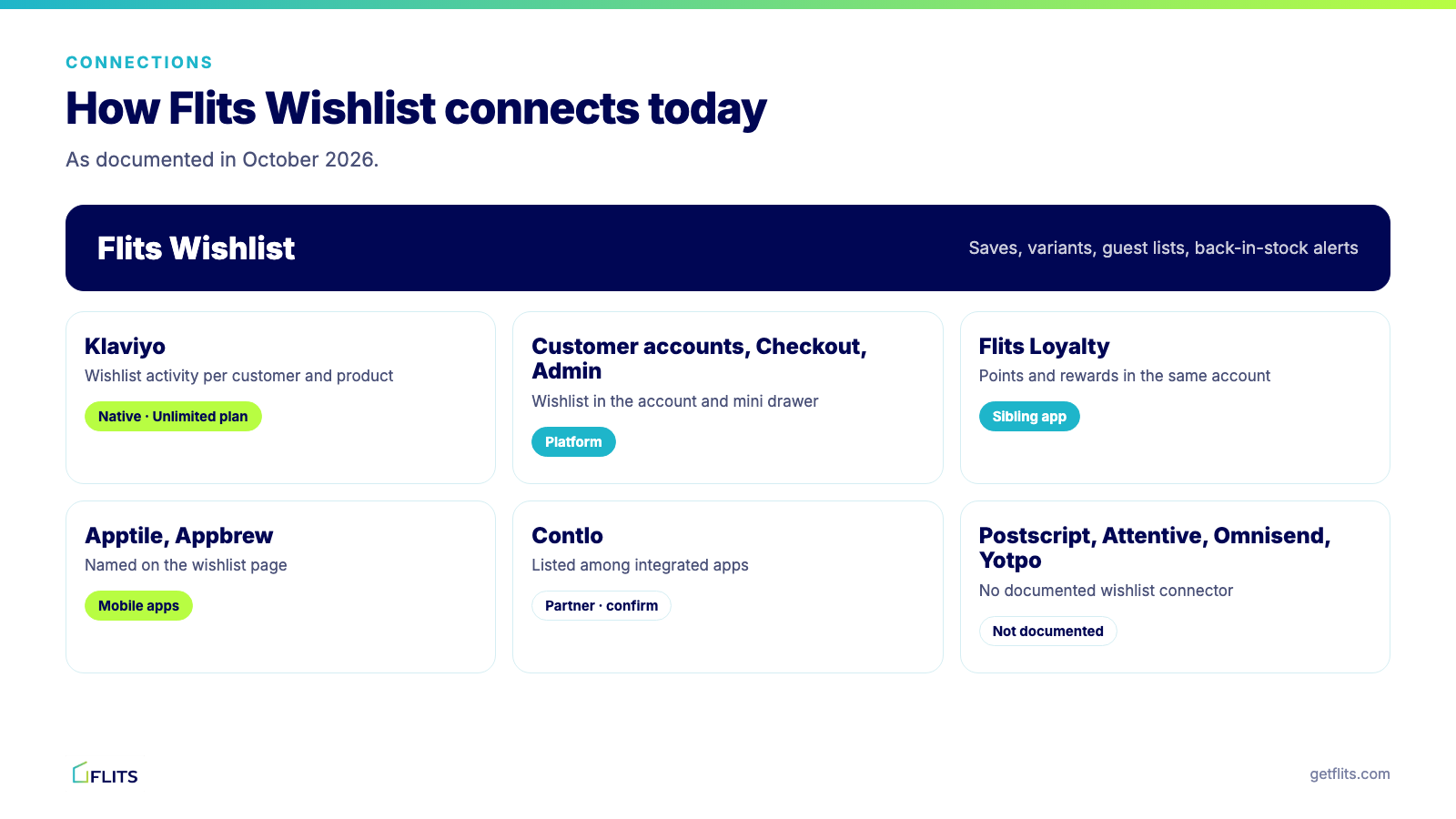
The point of the table is to save you a surprise. Klaviyo is the one connector Flits documents for the wishlist itself. The other tools in this guide are valuable, and where they do not connect natively we say what the workaround is.
7 essential apps to connect with your wishlist
We chose these seven to cover the path from a saved item to a purchase: two messaging channels, the loyalty and review layers that add value to a save, the mobile and automation tools that extend reach, and Shopify's own platform. Each entry draws on vendor documentation, merchant evidence where it exists and our own product knowledge, and we flag anything that is not documented. Vendor claims are self-reported, so verify the ones that matter to you in a trial.
1. Klaviyo (email, and SMS through its flows)
Best for: stores that run lifecycle email in Klaviyo and want wishlist behavior to trigger flows and segments.
Klaviyo is the connection most merchants mean when they say "connect my wishlist". Flits Wishlist sends wishlist-related customer activity to Klaviyo, tracked per customer and per product, so you build flows the way you would for an order.
How it connects with Flits Wishlist: native connector, on the Unlimited plan. In Wishlist Settings under Integrations, paste your Klaviyo private API key and save, then build flows in Klaviyo. Our Klaviyo integration walkthrough covers the steps.
What you can build: a reminder flow with a delay you choose (some merchants wait 7 days, others 14), a back-in-stock flow for saved items that return, and segments such as heavy savers and lapsed savers.
Pros:
- One connector covers email, and SMS where you have consent set up in Klaviyo.
- The Klaviyo Community shows why a native connector matters: in September 2024, a merchant who built a custom "Added to Wishlist" event found that Klaviyo's built-in price-drop and restock triggers could not use it.
Watch-outs:
- Anonymous wishlist activity is tracked in Flits but cannot trigger a flow without an email address.
- Flows must be live before anything sends, and the integration needs the Unlimited plan.
Pick it if: your customer list already lives in Klaviyo. Our guide to wishlist reminder emails shows copy and timing that work.
2. SMS tools: Postscript, Attentive and Klaviyo SMS
Best for: brands whose shoppers respond to text and who want restock and reminder alerts by SMS.
SMS suits time-sensitive moments such as "your size is back". Postscript and Attentive are the SMS platforms many Shopify brands use, and both publish connector guides for wishlist apps they integrate with.
How it connects with Flits Wishlist: indirect. Flits does not document a Postscript or Attentive connector for the wishlist today, and Flits does not send SMS itself. If you run SMS inside Klaviyo, a flow fed by Flits events can include a text step, provided the shopper has given SMS consent.
What you can build: a restock text for a saved variant, or a sale alert for a product the shopper saved.
Pros:
- SMS reaches shoppers who do not open email.
- Alerts tied to a saved item feel like a service, not an ad.
Watch-outs:
- A save does not give you consent. Collect it explicitly, for example on a back-in-stock form.
- Per-message costs add up, so reserve texts for high-value triggers.
Pick it if: SMS is already a core channel. Our piece on SMS marketing best practices covers consent and timing.
3. Flits Loyalty (loyalty and customer accounts)
Best for: stores that want saved items, points and rewards in one customer account.
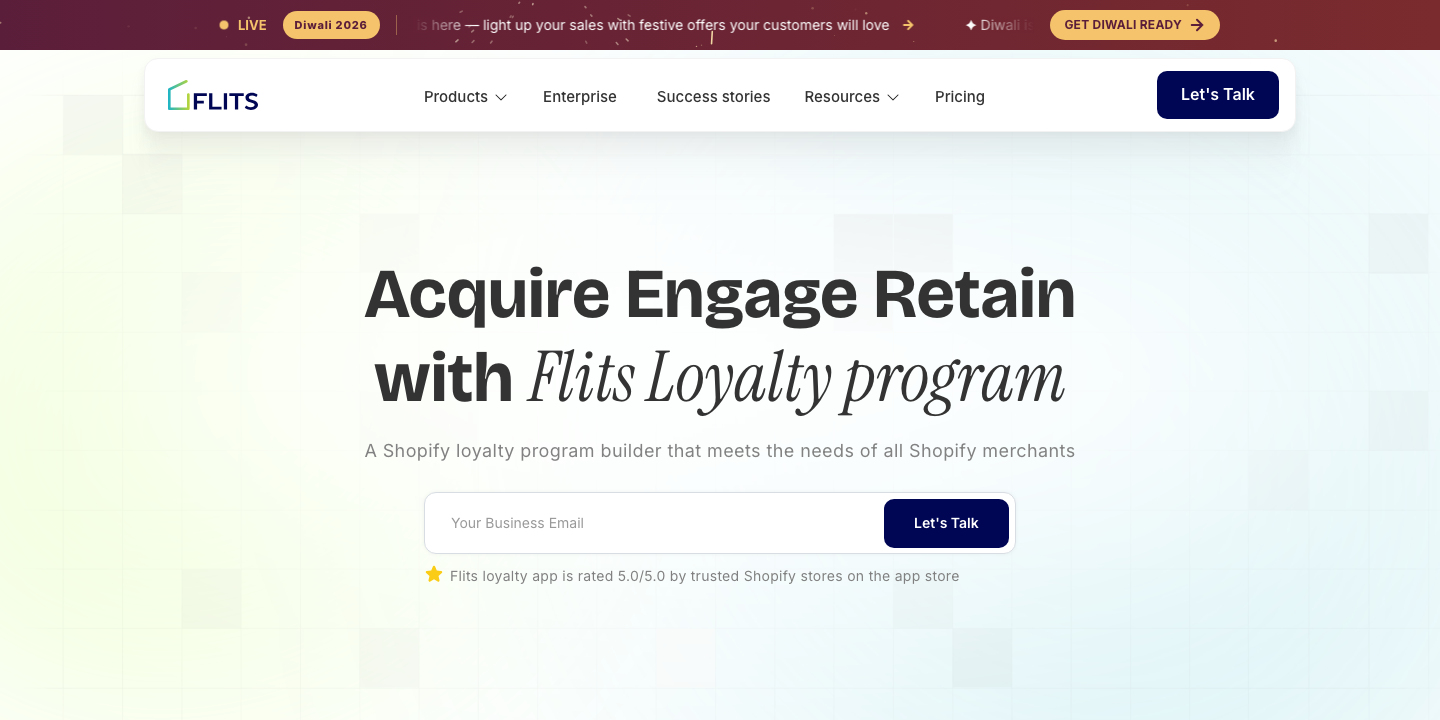
A wishlist keeps shoppers coming back to a product, and a loyalty program keeps them coming back to the store. Joined in one account, a shopper sees points, tier and saved items together.
How it connects with Flits Wishlist: same vendor, shared customer account. Flits Wishlist appears in the customer account page and mini account drawer beside points and rewards from Flits Loyalty. They are two Shopify apps that work together, so you can install either alone.
What you can build: early access for loyal customers to products they saved, or a tier reward that points shoppers to their list.
Pros:
- One vendor and one account design, so no second widget to reconcile.
- The loyalty app lists a free plan and a 5.0 rating from 391 reviews.
Watch-outs:
- Loyalty is a separate app with its own pricing, so count both subscriptions.
- Points and tiers need a clear earn-and-redeem design, or they add noise.
Pick it if: you want a wishlist and a Shopify loyalty program that feel like one product.
4. Judge.me and Loox (reviews)
Best for: stores that want social proof near the products shoppers save, and review-driven rewards.
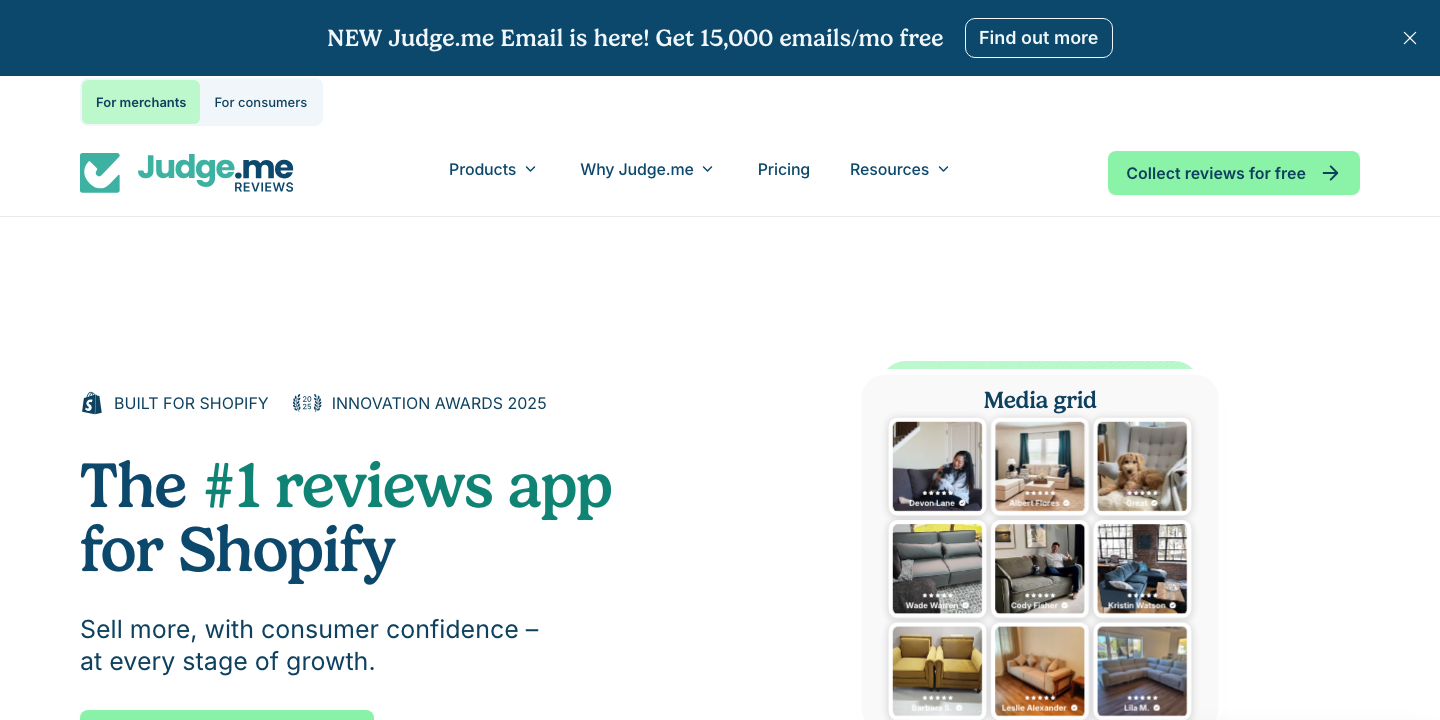
A shopper who saves a product is considering it, and reviews help them finish deciding.
How it connects with Flits Wishlist: through Flits Loyalty. Flits documents Judge.me and Loox integrations for the loyalty app, where customers earn points for reviews. The wishlist has no documented review connector of its own, so the link runs through the shared customer profile. See the Flits and Loox integration for how photo reviews work.
What you can build: points for reviews, so customers who bought a saved item come back to review it.
Pros:
- Reviews raise confidence at the moment a shopper decides.
- Review rewards give happy customers a reason to respond.
Watch-outs:
- Do not expect star ratings on the wishlist page unless your theme shows them. Test it.
- Ask for reviews after delivery, not after the save.
Pick it if: reviews are central to your category, such as skincare, apparel or electronics.
5. Mobile app builders: Apptile, Appbrew and Vajro
Best for: brands with a native shopping app that want the wishlist inside it.
If part of your audience shops in an app, a wishlist that exists only on the website breaks the experience.
How it connects with Flits Wishlist: the Flits Wishlist page names Apptile and Appbrew, and its Shopify listing lists mobile apps among its integrations. Flits also documents Vajro and Appmaker for its account and loyalty products. Confirm the wishlist module with your app builder before you plan around it.
What you can build: a wishlist tab in the app that matches the website list, and push notifications when a saved item is back.
Pros:
- Shoppers see one list on every surface.
- App users tend to be your most engaged customers.
Watch-outs:
- Each builder implements integrations differently, so ask for a demo with your wishlist.
- App-only data may not reach your email tool without extra setup.
Pick it if: you run or plan a branded Shopify app. The Vajro integration guide shows which account features carry over.
6. SuperAGI (previously Contlo) and marketing automation platforms
Best for: teams that run campaigns across channels and want wishlist behavior as one more signal.
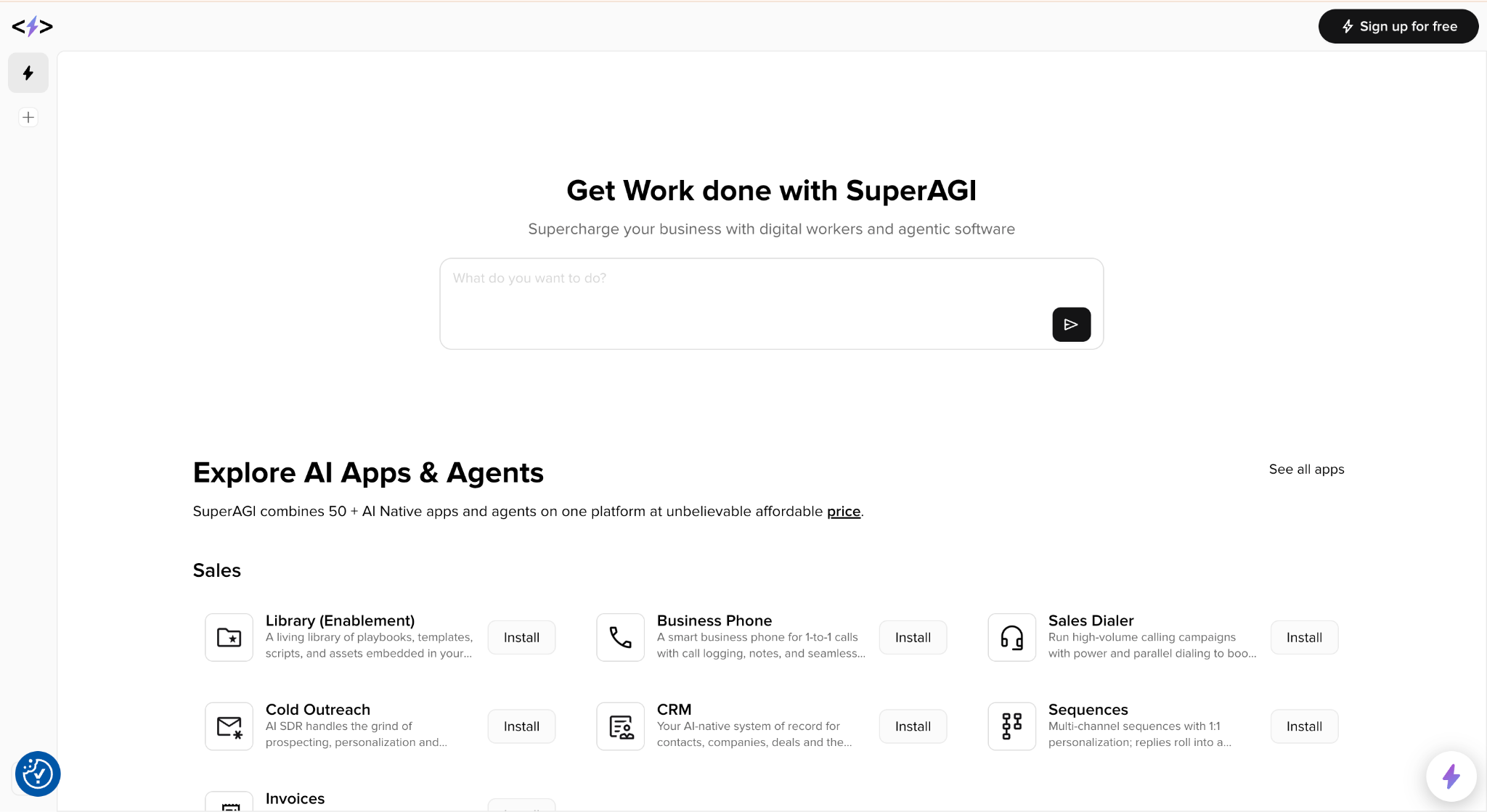
Automation platforms combine email, SMS, WhatsApp and push in one journey builder, so a save can start a multichannel sequence.
How it connects with Flits Wishlist: Contlo is listed on the Flits Wishlist page among its integrated apps. The Flits integrations directory also includes PushOwl, MoEngage, CleverTap and a WhatsApp app, but it does not say which work with the wishlist, so confirm before you build.
What you can build: a journey that starts on a save and branches by channel, or web push for shoppers who have not given an email address. Our article on web push with PushOwl shows the pattern for loyalty events.
Pros:
- One journey reaches shoppers on their preferred channel.
- Useful when guests accept a push prompt but not an email prompt.
Watch-outs:
- More channels mean more consent rules to manage.
- Complex journeys need testing, or shoppers get overlapping messages.
Pick it if: you already pay for an automation platform and want wishlist data to feed it.
7. Shopify's native layer: customer accounts, Checkout, Admin and Sidekick
Best for: every store, because this layer makes the wishlist behave like part of Shopify.
This is not a marketing tool. It is the platform connection that makes a wishlist persist and easy to read.
How it connects with Flits Wishlist: the app's Shopify listing names Checkout, customer accounts and Shopify Admin among its integrations. The wishlist lives in the customer account and mini account drawer, so saved items follow a logged-in shopper across devices, and save for later is available at checkout. The listing also says you can ask Shopify Sidekick how the wishlist is performing.
What you can build: cross-device wishlists, a save-for-later path for shoppers who hesitate at checkout, and a quick performance read from Sidekick alongside the in-app analytics.
Pros:
- No extra tool and no connector to maintain.
- Works with the new customer accounts as well as legacy account pages.
Watch-outs:
- Persistence depends on login, so prompt guests to sign up. Our comparison of guest and logged-in wishlists explains the difference.
- Check how your theme shows the wishlist counter and account drawer.
Pick it if: you want the basics right before you add anything else.
Other apps merchants ask about
You may also be weighing Omnisend, Yotpo, Postscript or Attentive. Their own help centers publish guides for connecting to other wishlist apps, such as the Omnisend guide for Swym and the Yotpo guide for Swym. They show what a direct connector looks like: an API key, a list of supported triggers and sometimes a minimum plan.
For Flits Wishlist, none of these has a documented direct connector today. If one of them is your main messaging tool, ask us on the contact page before you decide, because the answer may change. Meanwhile, Klaviyo is the supported route, and our roundup of the best wishlist apps for Shopify compares how other apps connect.
How to choose the right integrations
Start from the channel you already own, not from the wishlist app. A store with 40,000 Klaviyo profiles should not move them to save a few dollars on a wishlist plan. Then work through four questions.
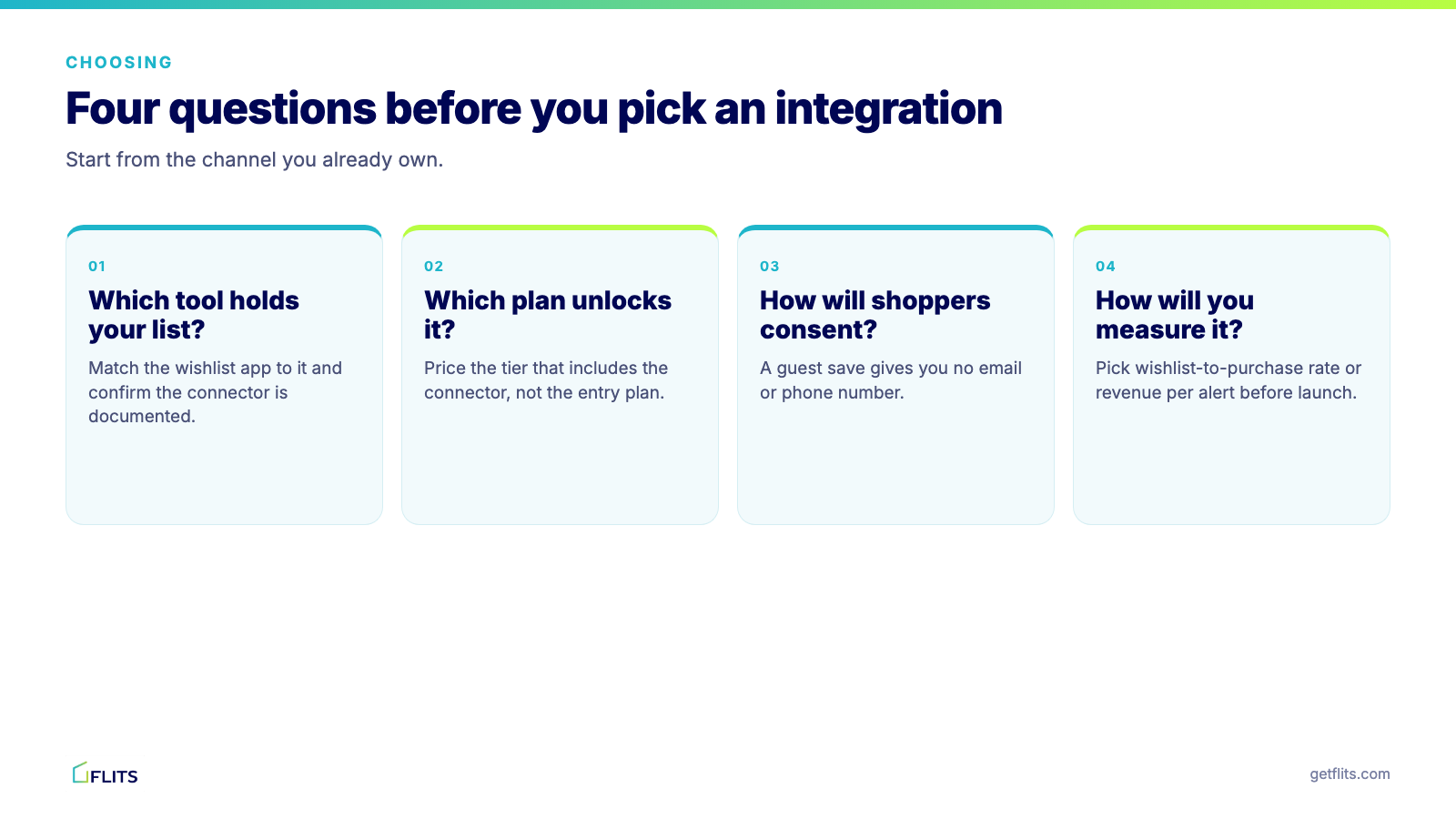
- Which tool holds your customer list? Match the wishlist app to it, and confirm the connector is documented.
- Which plan unlocks the connector? Write down the price at the tier that actually includes it. For Flits Wishlist, Klaviyo sits on the $19 a month Unlimited plan.
- How will shoppers give consent? Decide where you collect an email address or phone number, because a guest save alone gives you neither.
- How will you measure it? Pick the number that proves success before launch: wishlist-to-purchase rate, revenue per alert or recovered revenue. Our guide to using wishlist data to drive sales suggests where to start.
How to set up and test an integration
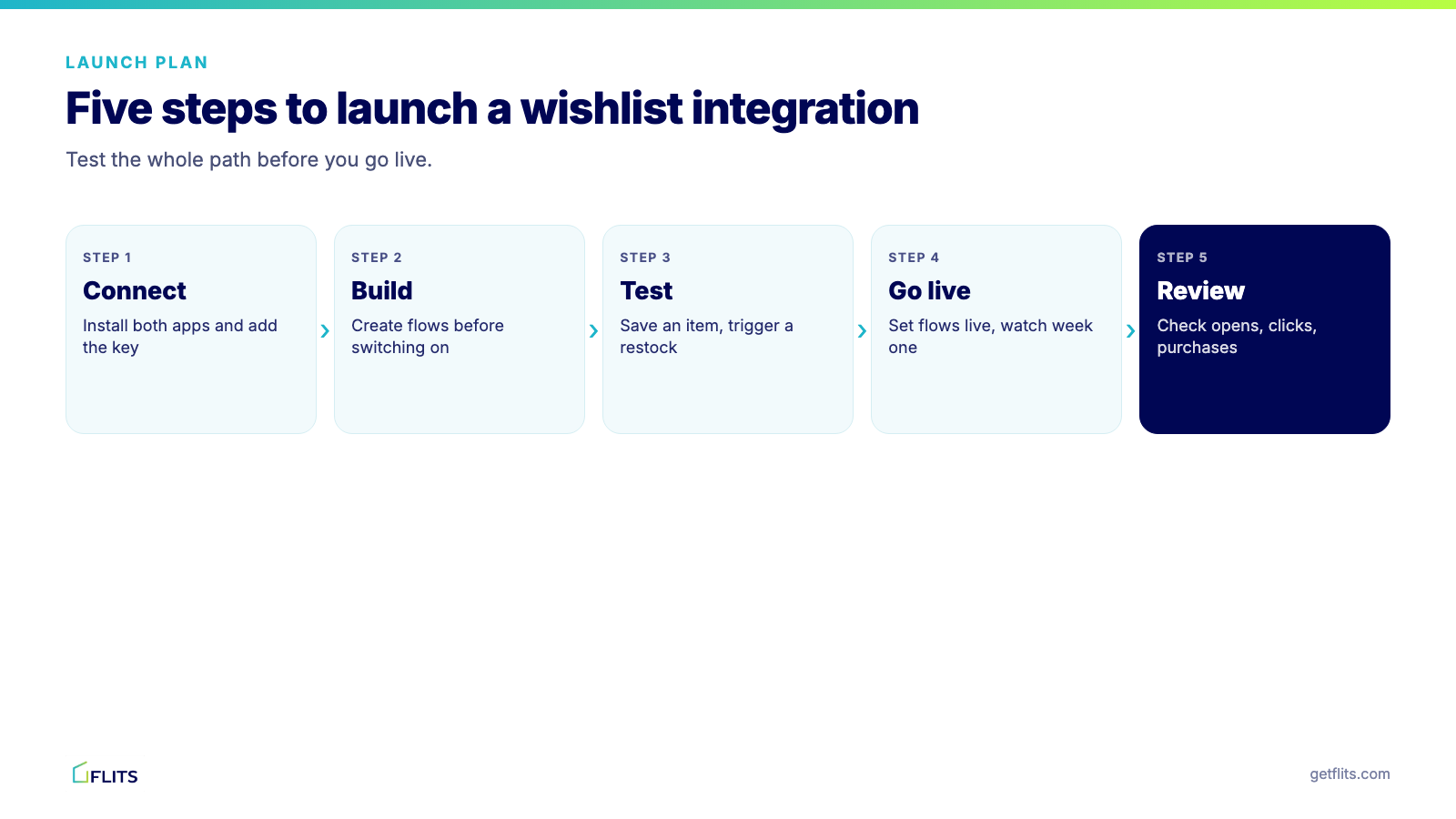
- Connect. Install both apps and add the key or authorization. For Klaviyo, that is the private API key in Wishlist Settings.
- Build. Create flows or journeys in the other tool before you switch anything on. Start with a reminder and a back-in-stock message.
- Test. Save an item from a test account and confirm the event appears. Trigger a restock and check the message that arrives.
- Go live. Set flows to live and monitor the first few days.
- Review. After a few weeks, look at opens, clicks and wishlist-to-purchase rate, then adjust timing and copy.
Why Flits Wishlist is a strong base for your integrations
A wishlist is only as useful as the signal it sends, and Flits Wishlist is built to send a clean one. Every save is tied to a specific variant, so a restock alert refers to the exact size and color the shopper wanted. Guest wishlists let visitors save before they sign up, and the Customer Activity Timeline shows each shopper's history in one place.
The Klaviyo connector sends that activity per customer and per product, and the Unlimited plan adds Notify me back-in-stock alerts, with 2,500 email alerts a month included. Inside Shopify, the wishlist appears in the customer account page and mini account drawer, works with new and legacy account pages and supports save for later at checkout. The Shopify listing carries the Built for Shopify badge.
The pricing is simple: a free plan for the core wishlist, and the Unlimited plan at $19 a month or $184.68 a year, with a 14-day trial and a 30-day money-back guarantee. If you are switching from another app, the Flits team handles migration from a CSV, so your saved items come with you. Try Flits Wishlist and connect it to the tools you already use, or browse the Flits integrations directory for the wider ecosystem.
Conclusion
The best wishlist integrations are the ones that match your channels. Connect your email platform first, because that is where most saved-item revenue comes from. Add SMS or push if your shoppers read them, then bring in loyalty, reviews and mobile apps as your program grows, and let Shopify's native layer keep the list persistent.
Before you pay for a plan, confirm that the connector exists and which tier unlocks it. Run a test save end to end, and decide which metric will tell you it worked. Do that, and the wishlist stops being a heart icon and starts working for the rest of your stack. For a wider view of the strategy, our complete guide to Shopify wishlists is a good next read. Book a demo today!
Frequently Asked Questions
What is a Shopify wishlist integration?
It is a connection between your wishlist app and another tool, such as an email platform, an SMS provider, a loyalty app or a mobile app builder. The wishlist sends events like "item saved" or "back in stock", and the other tool acts on them.
Which wishlist app integrates with Klaviyo?
Several do. Flits Wishlist connects to Klaviyo on its Unlimited plan, using a Klaviyo private API key entered under Wishlist Settings, then Integrations. You build the flows in Klaviyo and set them to live.
Can a guest wishlist trigger an email?
Only if the shopper has given an email address. Anonymous activity is tracked in Flits but cannot trigger a Klaviyo flow without an associated address, so prompt guests to sign up or subscribe.
Does Flits Wishlist integrate with Omnisend, Postscript or Attentive?
Not as documented direct connectors today. Klaviyo is the documented integration for the wishlist. If another platform is central to your stack, contact Flits before you commit, since connector coverage can change.
How soon should I send a wishlist reminder?
There is no universal answer. Some merchants wait 7 days and others 14, and a back-in-stock message should go as soon as the item returns. Avoid reminders within minutes of the save.