Shopify merchants rely on third-party apps to extend their stores' functionality, from wishlists and loyalty programs to marketing automation and customer retention. These integrations make it easier to build better shopping experiences, but they also make app security an essential part of running an ecommerce business.
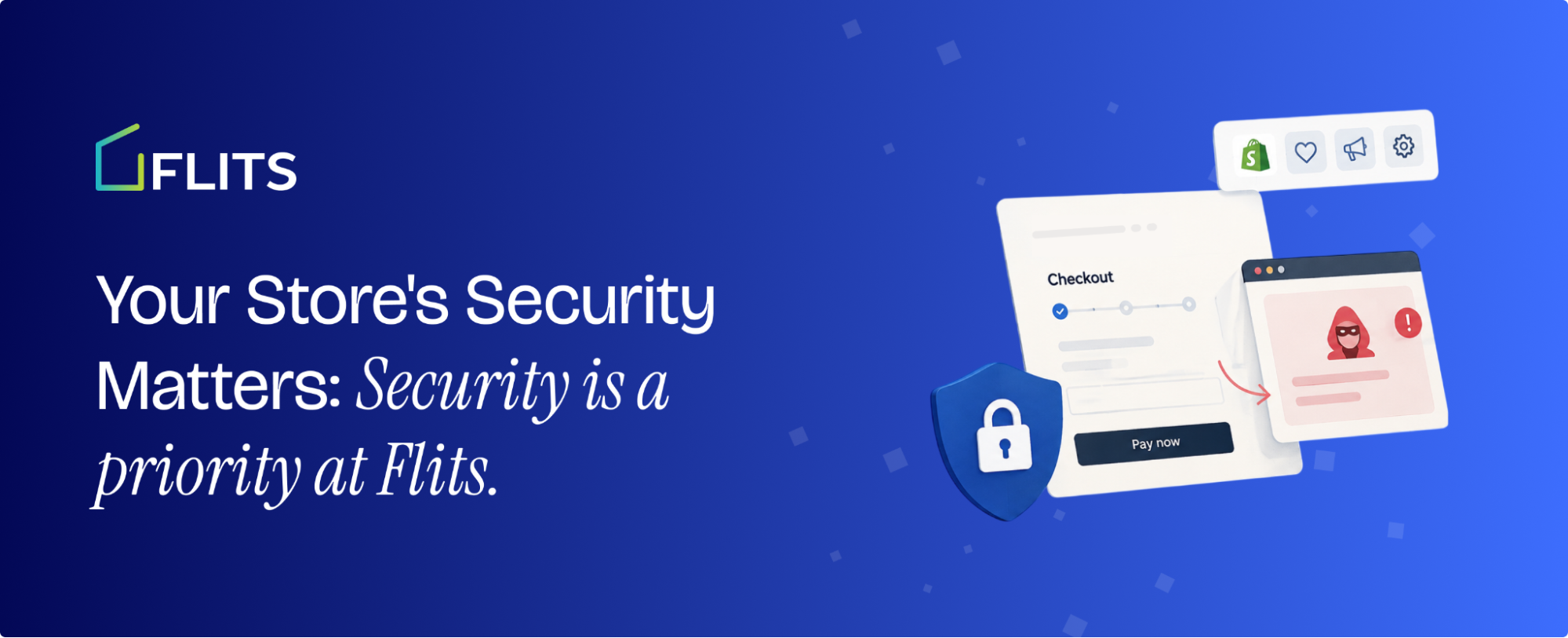
Recent reports of a checkout phishing attack involving Shopify storefronts have brought this issue into focus. A technical investigation published by Roman Zipp described a reported incident in which shoppers were redirected from a legitimate Shopify checkout to a fraudulent page designed to imitate the real checkout experience.
For merchants, incidents like this raise important questions. How can third-party apps affect a storefront? What should store owners look out for? And how should ecommerce app providers approach security?
At Flits, we believe security must be an integral part of building and maintaining ecommerce software. Here's what Shopify merchants should understand about the reported incident and the importance of a proactive approach to app security.
TL;DR
- Recent reports of checkout phishing attacks involving Shopify storefronts highlight the importance of third-party app security.
- Malicious scripts, compromised configurations, and unexpected checkout redirects can put customer trust at risk.
- Shopify merchants should review installed apps and investigate suspicious checkout behaviour.
- At Flits, security is a priority. Our security audit is underway as part of our progress toward SOC 2 compliance.
- We remain committed to strengthening our security practices and protecting merchant trust.
- If you have concerns involving Flits, contact our support team through our official channels or support@getflits.com.
What Happened in the Reported Shopify Checkout Phishing Attack?
According to the technical account published by Roman Zipp, a Shopify storefront was observed redirecting customers who attempted to check out to an external page designed to resemble a legitimate checkout.
The report described a script that reproduced details from the shopper's cart, including products, variants, quantities, totals, and currency. This made the fraudulent checkout appear more credible to customers.
The investigation also described a suspected injection mechanism involving a third-party wishlist app's configuration response. According to the report, malicious content was returned in place of an expected interface label and executed when the app's storefront script processed that content.
The reported investigation further noted that disabling the app did not immediately remove all traces of the behaviour because the configuration had been cached in the browser.
These details illustrate why investigating a suspected storefront compromise can require more than checking theme files or disabling an app. Browser-side scripts, third-party configuration services, cached data, and app embeds may all need to be examined.
mportant: These are details reported by a third-party investigator. They should not be interpreted as independent confirmation of the full incident scope or the responsibility of any particular provider.
Why Third-Party App Security Matters for Shopify Merchants
Shopify apps can interact with storefront interfaces, customer experiences, product data, and other parts of an ecommerce workflow. Depending on their functionality and implementation, they may introduce code or load resources from external services.
This creates several security considerations.
1. Storefront scripts can affect the customer experience
An app that modifies storefront elements may influence how customers interact with product pages, wishlist buttons, carts, or other interface components.
If that code behaves unexpectedly or processes untrusted content unsafely, it can potentially affect the shopper's experience. In a serious case, malicious script execution could be used to manipulate the page or redirect customers.
2. Third-party configuration endpoints deserve attention
Some applications retrieve configuration settings from external services rather than relying entirely on code stored in the merchant's theme.
These endpoints are part of the application's broader security boundary. Their responses should be handled safely, especially when the data is inserted into a webpage or used to modify interface elements.
3. Disabling an app may not remove every trace of its behaviour
Removing an app or turning off an app embed can be an important containment measure, but it may not clear browser caches, local storage, previously injected code, or other persistent changes.
Merchants investigating suspicious behaviour should therefore follow a complete remediation process rather than assuming that disabling an app automatically resolves every issue.
4. Checkout redirects can undermine customer trust
A checkout is one of the most sensitive parts of an online shopping journey. Customers expect to remain within a legitimate, trusted purchasing flow.
Unexpected redirects can expose shoppers to phishing attempts and create uncertainty about whether their payment details and personal information are safe. Even when an incident is contained, it can affect customer confidence in the store.
What Shopify Merchants Should Do to Strengthen Store Security
Merchants do not need to wait for a security incident to review their app ecosystem. A few practical measures can help improve visibility and reduce unnecessary risk.
Review installed apps and integrations
Maintain an inventory of installed apps, their purpose, and the access or storefront functionality they require. Remove apps that are no longer needed, and review new installations before adding them to a live store.
Investigate unexpected checkout behaviour
Pay attention to unfamiliar domains, unexpected redirects, unusual checkout screens, or reports from customers who encounter problems during checkout.
If something looks suspicious, contact Shopify Support and the relevant app provider. Follow their incident-response guidance, and consider restricting storefront access if necessary to protect customers while an active compromise is investigated.
Review app embeds and storefront code
When investigating suspicious activity, review recently changed theme code, app embeds, externally loaded scripts, and relevant browser-side behaviour.
A suspicious script does not always appear in the theme editor. Some functionality may be loaded dynamically from external services, so a broader technical investigation may be necessary.
Follow a complete incident-response process
If a compromise is suspected, preserve relevant evidence and work with qualified technical support to identify the source, contain the issue, remove malicious code, and verify that the behaviour no longer occurs.
Depending on the incident, remediation may also require reviewing browser storage, cached configuration, affected integrations, and any potential exposure of customer information.
Keep security practices up to date
Review app permissions, monitor security advisories, maintain appropriate access controls, and establish a clear process for reporting suspicious behaviour.
Security is not a one-time task. It requires ongoing attention as applications, integrations, and threats evolve.
How Flits Approaches Security
At Flits, we understand that merchants depend on their ecommerce applications to support important parts of the customer journey. Security is therefore a core consideration in how we build, maintain, and improve our products.
We are committed to strengthening our security practices and taking a responsible approach to protecting the trust merchants place in our applications.
Our security audit is underway
Our security audit is currently underway as part of our progress toward SOC 2 compliance. This work involves reviewing our security controls and practices, identifying areas for improvement, and strengthening the processes that support our products.
SOC 2 is an independent assurance framework that evaluates controls relevant to areas such as security. The scope and outcome of an examination depend on the controls assessed and the resulting report. Pursuing SOC 2 is part of our broader commitment to a structured approach to security; it does not, by itself, guarantee that an application cannot experience a security incident.
We take security concerns seriously
Reports of vulnerabilities or suspicious behaviour across the ecommerce ecosystem are a reminder that application providers must continually evaluate their security practices.
We believe in reviewing relevant risks, investigating concerns responsibly, and improving our controls as needed. We also recognise the importance of giving merchants clear information when a security concern is relevant to their stores.
We believe in transparency and continuous improvement
Trust is built through consistent action, not just statements. Our focus is on strengthening our security processes, maintaining responsible development practices, and continuing the work required to improve the reliability of our products.
If you're a Flits merchant and have noticed unexpected storefront behaviour or have a security concern involving our app, please contact our support team through our official channels so we can investigate.
Security Is an Ongoing Responsibility
The reported checkout phishing incident is a reminder that ecommerce security extends beyond a store's theme and checkout settings. Third-party apps, external services, scripts, and configuration mechanisms can all form part of the wider security picture.
For merchants, the priority is to understand the apps installed on their stores, recognise suspicious behaviour, and respond quickly when something appears wrong. For app providers, security requires ongoing reviews, responsible development, and transparent communication.
At Flits, we remain committed to strengthening our security practices and improving the safeguards that support our products. We believe merchants deserve applications built with security in mind and a team that takes their concerns seriously.
Security is not a box to tick once. It's an ongoing commitment.
Frequently Asked Questions
Can a Shopify app affect storefront security?
Depending on its functionality, an app may load scripts, modify storefront elements, or communicate with external services. If these components are compromised or handle untrusted content unsafely, they can create security risks. Merchants should review their apps and investigate suspicious behaviour promptly.
Is disabling a suspicious app enough to secure a Shopify store?
Not necessarily. Depending on the incident, additional investigation may be needed to identify injected code, cached configuration, browser-side changes, or other persistence mechanisms. Merchants should follow a complete remediation process and verify that the suspicious behaviour has stopped.
What should I do if my Shopify checkout redirects to an unfamiliar website?
Treat an unexpected checkout redirect as a potential security concern. Avoid entering payment information on the unfamiliar page, contact Shopify Support and the relevant app provider, and seek technical assistance to investigate the storefront. If a compromise is suspected, take appropriate containment measures.
Is Flits affected by the reported checkout phishing incident?
Merchants should refer to confirmed updates from Flits for its status regarding this specific incident. The third-party report described above does not establish whether Flits is affected. We should communicate any conclusion only after the appropriate technical review has verified it.
What does SOC 2 mean for Flits merchants?
SOC 2 is an assurance framework for evaluating an organisation's controls against specified criteria. Flits security audit is underway as part of its progress toward SOC 2 compliance. Merchants should distinguish between an ongoing audit or readiness process and a completed examination with an issued report.